
Noodle
Download
Menu
NewNoodle 0.0.1 is out. Free and open source.


Local AI, Docker and CI runners. One small Mac app.

Chat with models that run on your Mac’s own chip, run your docker commands on a lighter engine, and let your GitHub Actions jobs run here. Free, open source, no account.

Version 0.0.1 · Apple silicon · macOS 26 or later

312 ms
to the first words of a reply
Long prompt, Qwen3 0.6B, M4 Mac mini
0 bytes
of your chats sent anywhere
Models run on this Mac
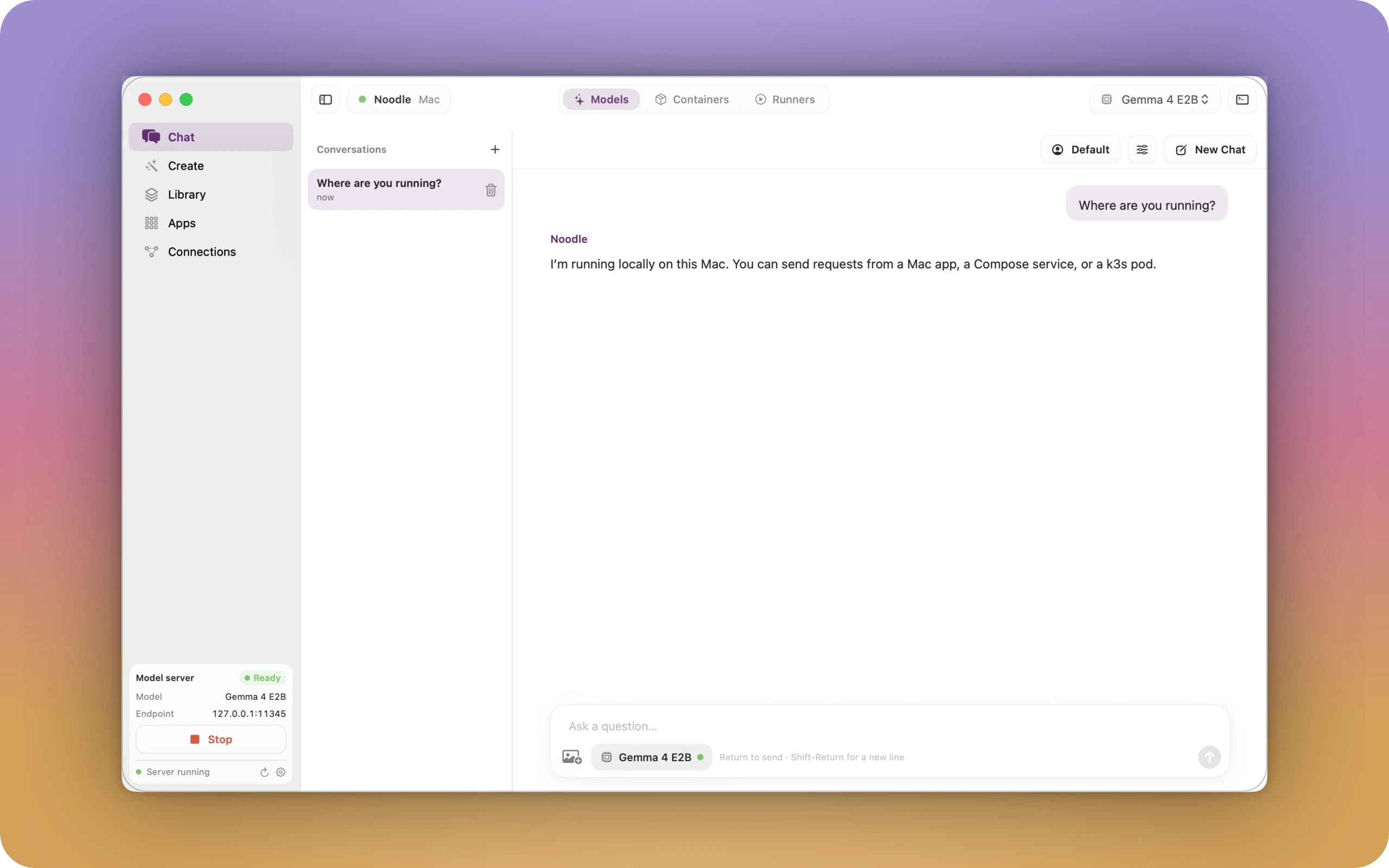
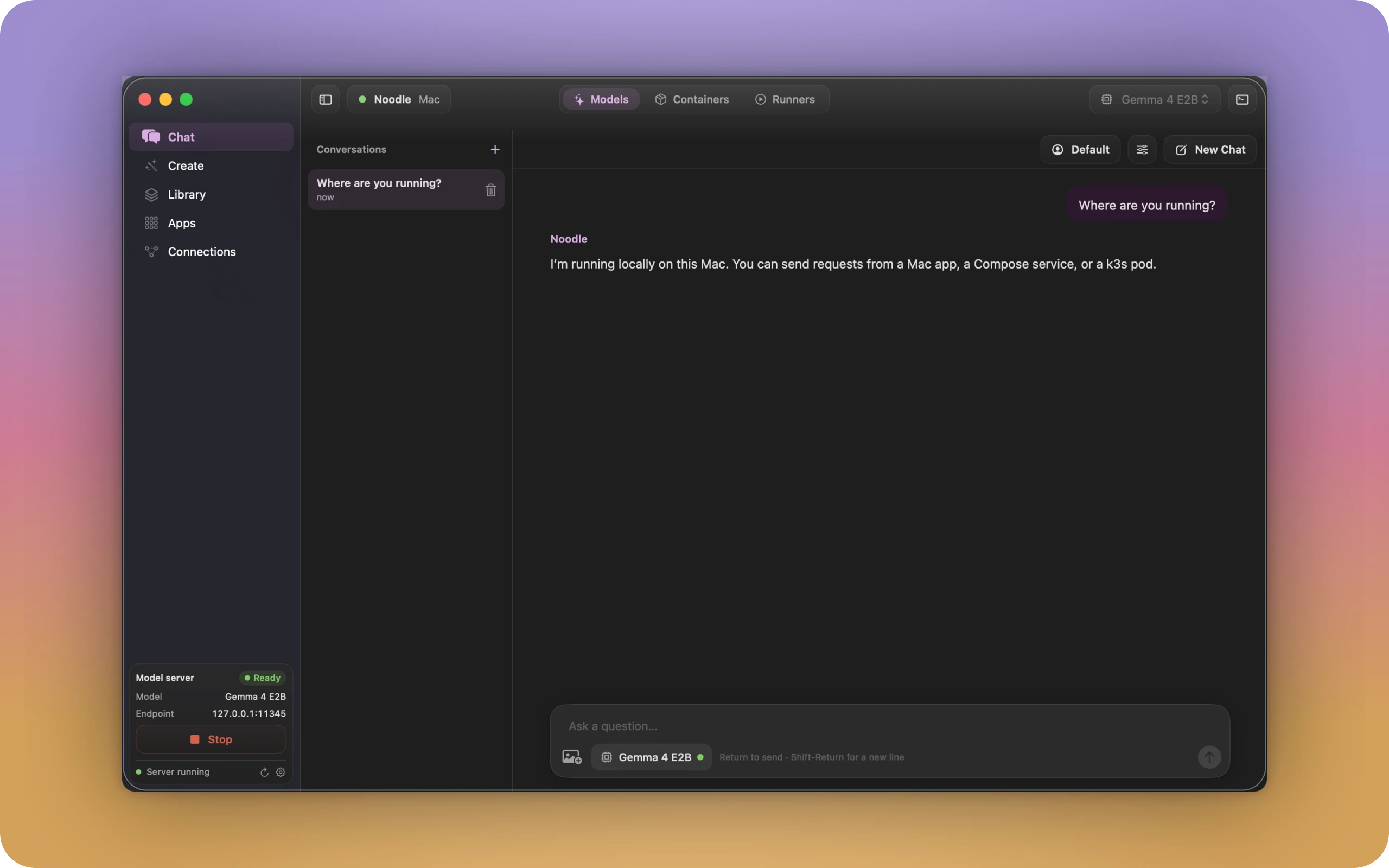
Noodle Models: a chat with a local model answering on this Mac.
  • Works with
  • docker
  • docker compose
  • docker buildx
  • Kubernetes
  • OpenAI-style API
  • GGUF and MLX models
  • GitHub Actions

Use cases

What people run on it.

Models

Best for

Private AI chat for work you cannot paste into a cloud tool.

Contracts, customer data, unreleased code. The model runs on your Mac’s chip and nothing is sent anywhere.

  • Your own OpenAI-style endpoint

    Point scripts, editors and agents at a local URL with a key. Same request shape as the OpenAI API.

    noodle model serve qwen3.5-4b
  • Bring any model

    Pick from the catalog, or pull a GGUF from Hugging Face. GGUF and MLX weights both run.

    noodle model pull hf.co/<org>/<repo>
  • Chat with pictures, video and audio

    Attach, paste or drag an image, a video or an audio clip into the message box. Each shows up when the model can take it.

  • Ask from anywhere

    Press Control-Option-Space in any app to open chat. Shortcuts and Spotlight get Ask Noodle and Open Noodle Chat.

  • Make pictures, voices and clips

    The Create tab turns a prompt into an image, spoken audio or a short video, all on this Mac.

  • Embeddings and speech through the API

    Text embeddings, speech to text and text to speech sit behind the same local URL and key.

    noodle model pull kokoro-82m
  • Use it from your phone

    Off until you turn it on. Other devices on your network then chat with your models, with a key on every request.

    noodle model network on
  • You pick how long it stays loaded

    30 seconds, 5 minutes, 1 hour or always. Unload Now gives the memory back at once.

  • Keep models on an external drive

    Choose any folder for downloads in Settings, or run noodle model location.

    noodle model location /Volumes/Fast/models
  • Open WebUI in one click

    Install a chat site from Apps. It runs in its own container and talks to your local models.

  • Works offline, sleeps when idle

    Chat on a plane. When you stop, the model sleeps and gives its memory back.

More about Models

Containers

Best for

Your team’s Compose stack on your Mac, unchanged.

Web, API, Postgres and Redis with the same docker compose up you already use, and a name like api.localhost for each service.

  • Switch from Docker Desktop or OrbStack

    Add Noodle as a Docker context next to your current engine, try it, and import images and volumes when you are ready.

    docker context use noodle
  • Builds and multi-arch images

    docker build and Buildx work. amd64 images run through Rosetta.

    docker buildx build --platform linux/amd64 .
  • Kubernetes and Linux machines

    A local k3s cluster and full Linux machines on the same engine, for the work containers do not fit.

    noodle kubernetes start
  • Names, not ports

    Every container with a web page answers at name.localhost on port 80, with no port to publish. A dev server already running on your Mac can have a name too. WebSockets and hot reload work.

    noodle names add api.myapp 3000
  • See inside every container

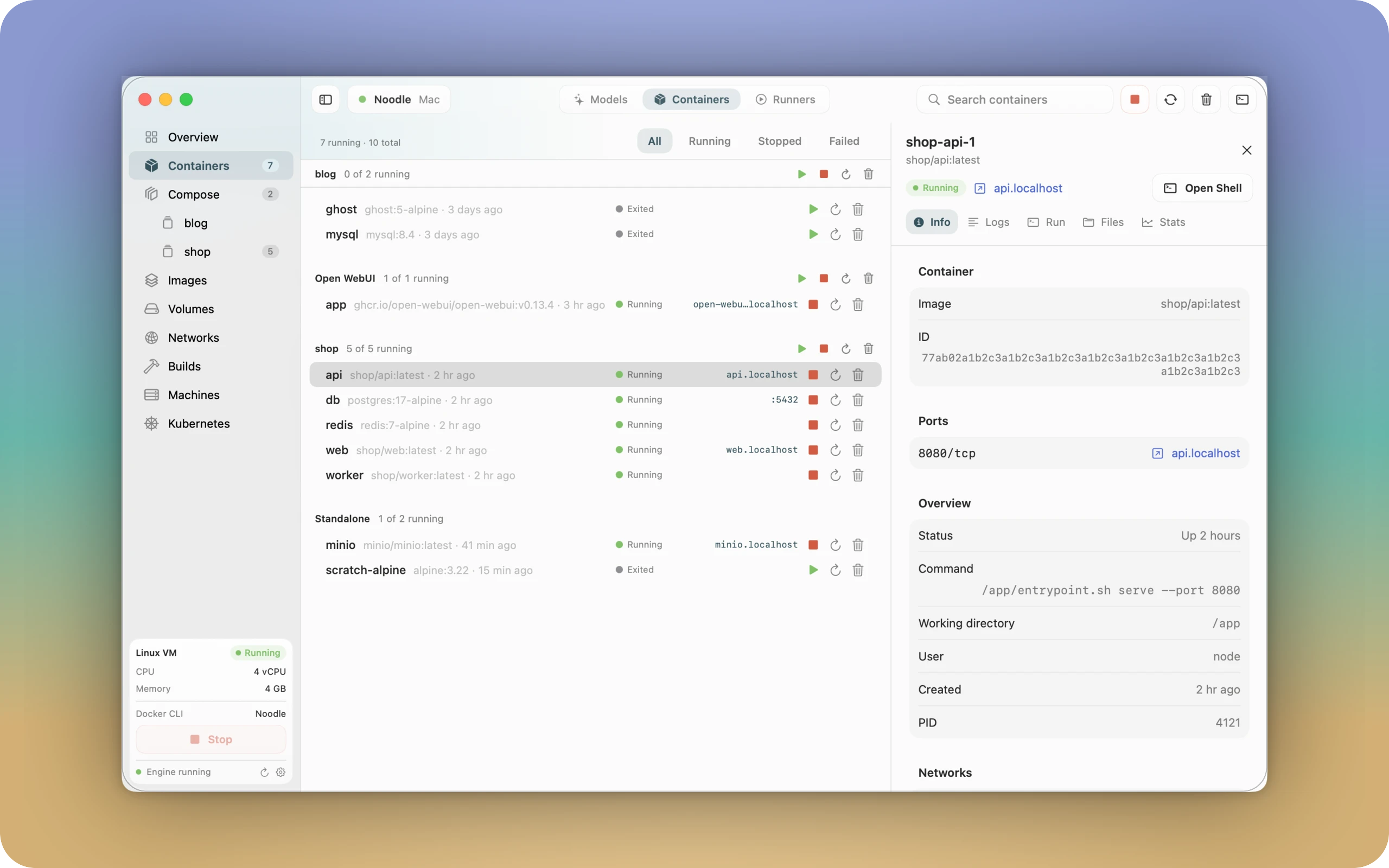
    Logs, live stats, files and a terminal per container, plus image scans and an SBOM.

More about Containers

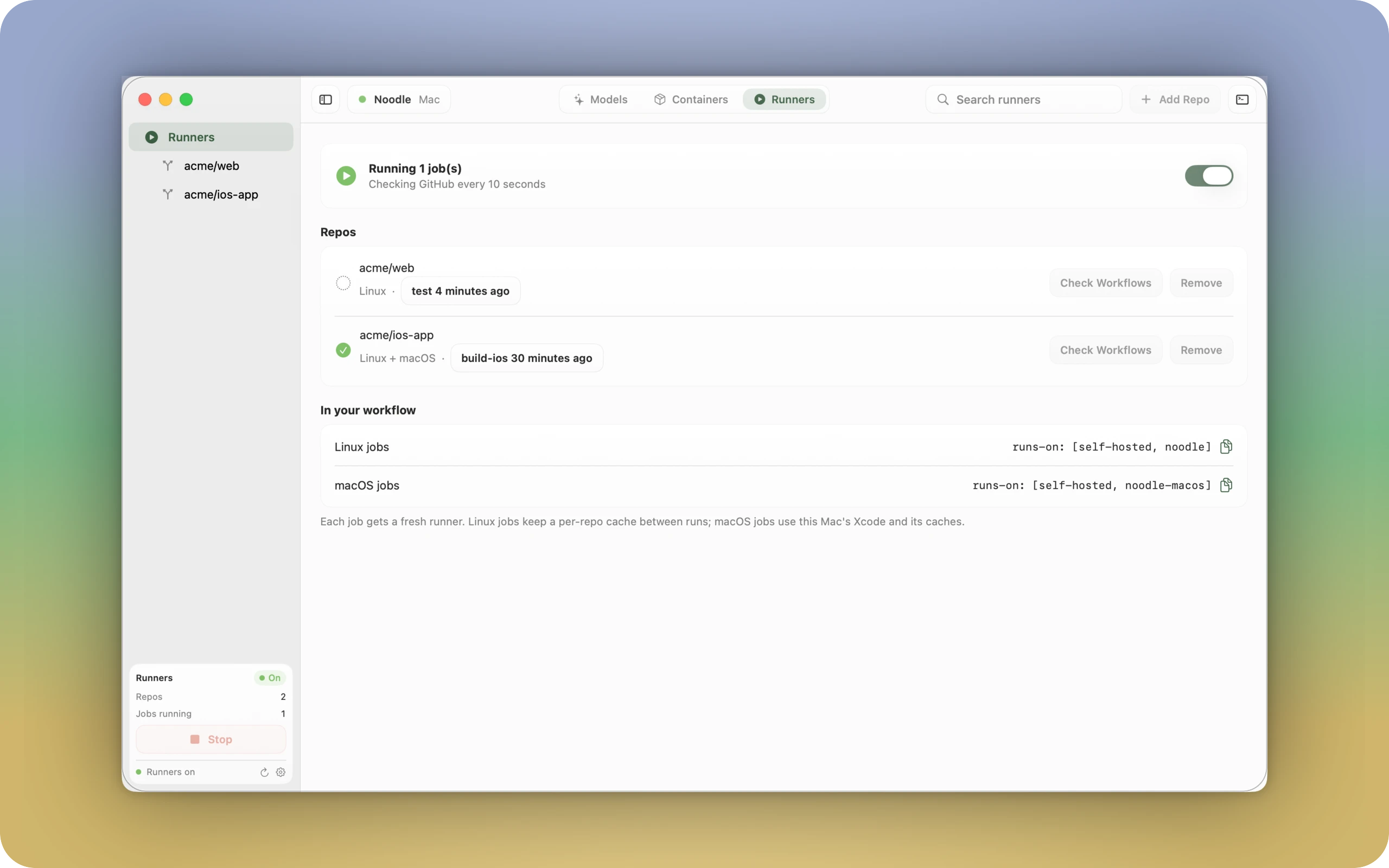
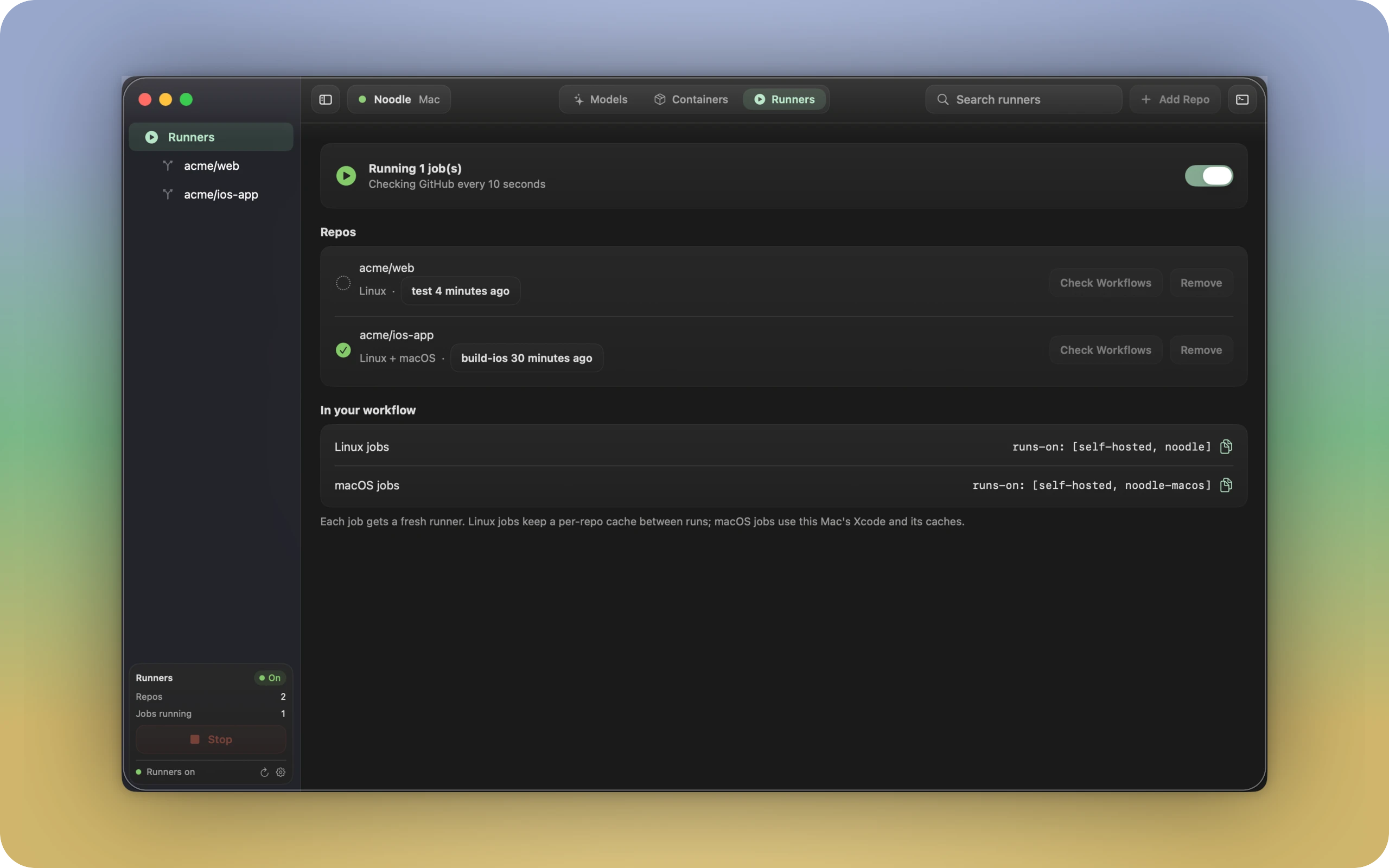
Runners

Best for

iOS and macOS builds on the Mac you already own.

macOS minutes are the expensive part of hosted CI. Your Mac has the Xcode you use every day.

  • Linux tests on arm64

    Each job gets a fresh container. Toolchains and caches stay per repo, so setup-bun took 0 s on the second run instead of 7 to 18 s.

    runs-on: [self-hosted, noodle]
  • Pin an Xcode version

    The macOS runner carries an xcode label from the Xcode on this Mac.

    runs-on: [self-hosted, noodle-macos, xcode-26]
  • Side projects without CI bills

    Private repos run here. Nothing runs while you have no jobs.

  • Jobs that need Apple silicon

    macOS jobs run natively, so Metal and on-device model tests work as they do on your Mac.

More about Runners

How it works

Three steps, no setup guide.

  1. 1

    Download Noodle

    Open the app. It sets itself up, with no account and no terminal.

  2. 2

    Pick a model

    Choose from a short list, or bring a model file you already have.

  3. 3

    Start chatting

    Type a question. The model runs on your Mac’s own chip, so your chats stay on your Mac.

Summarise this clause in plain words.

Model ready

Apps

AI apps in one click.

The Apps page lists ready-made AI apps, such as Open WebUI, a chat site that talks to the models on your Mac. Press install and open it in your browser.

Each app runs in its own container, set up for you. You never write a Compose file unless you want to.

The Noodle Mac app with Models in the sidebar.

Containers and VMs

Also a fast Docker for your Mac.

Run containers and Linux or macOS virtual machines with the docker commands you already use. Noodle is a fast Docker for your Mac.

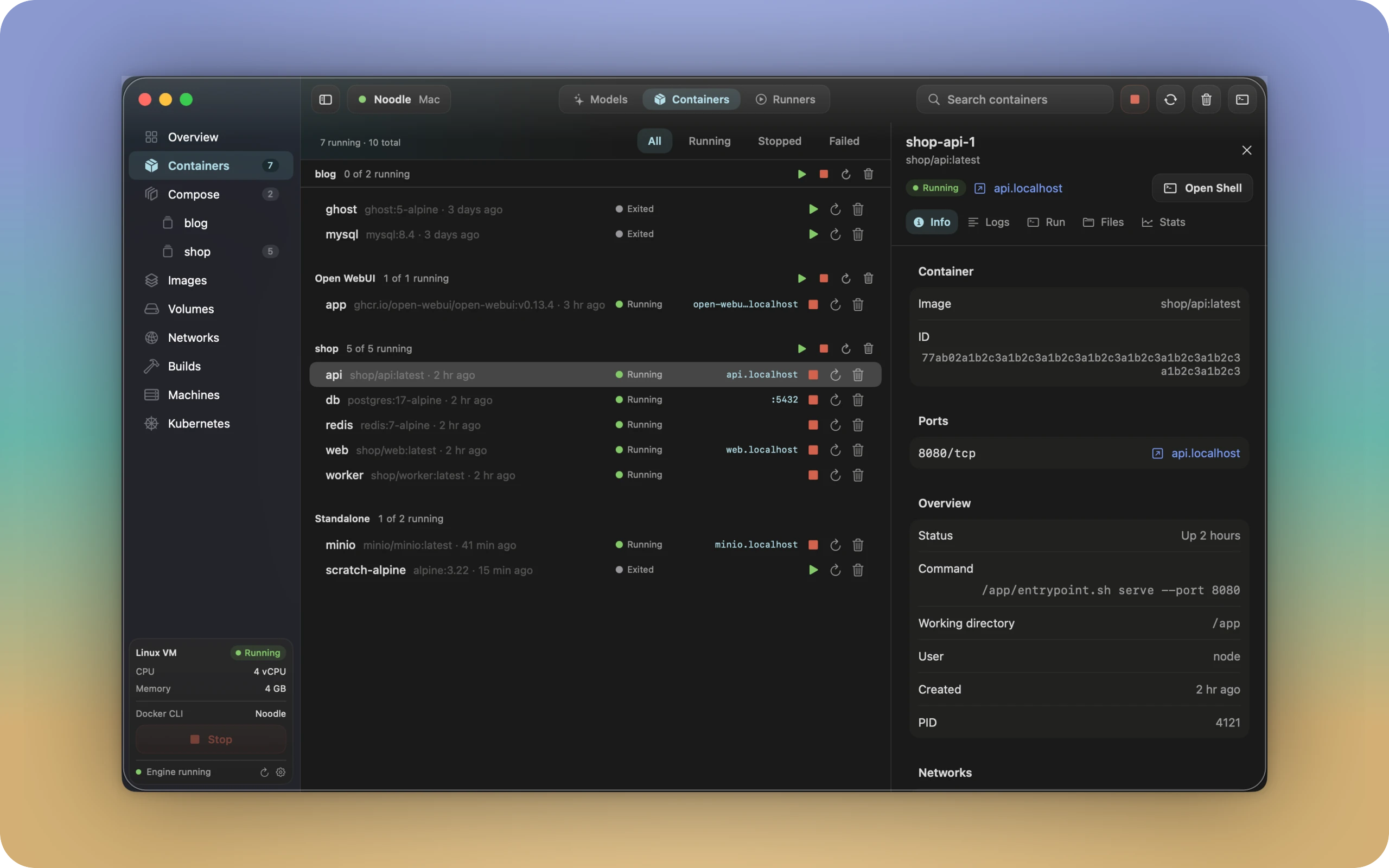
Noodle Containers

Your docker commands, on a lighter engine.

Docker-compatible

  • docker, Compose, Buildx and Kubernetes work as they do today.
  • Containers with a web page get a name you can open in the browser.
  • 535 real docker CLI cases pass, Compose and Buildx included.
$ docker run --rm alpine echo hello
More about Containers
The docker CLI talks to Noodle on your Mac, which runs every container in one small Linux VM.docker CLIyour terminal, unchangedNoodle2.3 MB while idleOne Linux VMsleeps when nothing runs
faster container start than OrbStack
22×
Docker API, p50, same Mac
faster first run than Kiri
15×
Kiri 0.1.18, warm image, same Mac
background service while idle
2.3 MB
macOS footprint, release build

Every number, the losses too, with raw data

GitHub Actions

Your Mac takes your CI jobs.

Point a workflow at your Mac and its jobs run here, on hardware you already own. Private repos by default, because a fork's pull request could otherwise run code on your Mac.

  • Change one line: runs-on: [self-hosted, noodle].
  • Every job gets a fresh runner, removed when it ends. A push right after a job starts in about 3 s.
  • Linux jobs in a container, macOS jobs with the Xcode you already have.
  • Toolchains and caches stay per repo, so setup steps take seconds, not minutes.
$ noodle runners add owner/repo
More about Runners
  1. git push
  2. GitHub queues the job
  3. A fresh runner starts
  4. The job runs on your Mac
  5. The runner is removed

Try it on your Mac.

Free, open source, no account. Apple silicon, macOS 26 or later.