 Noodle
 Runners
Your Mac takes your CI jobs.
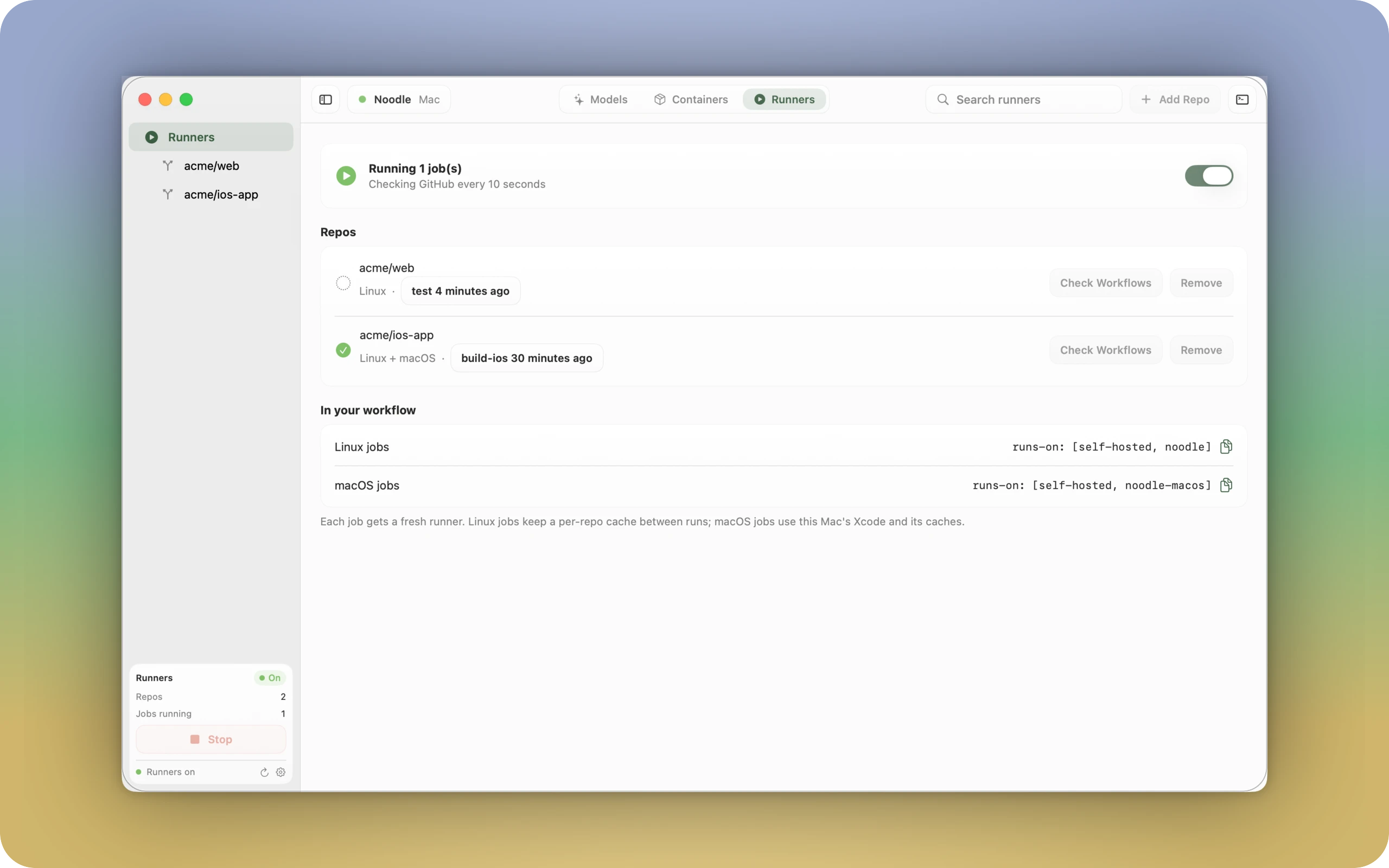
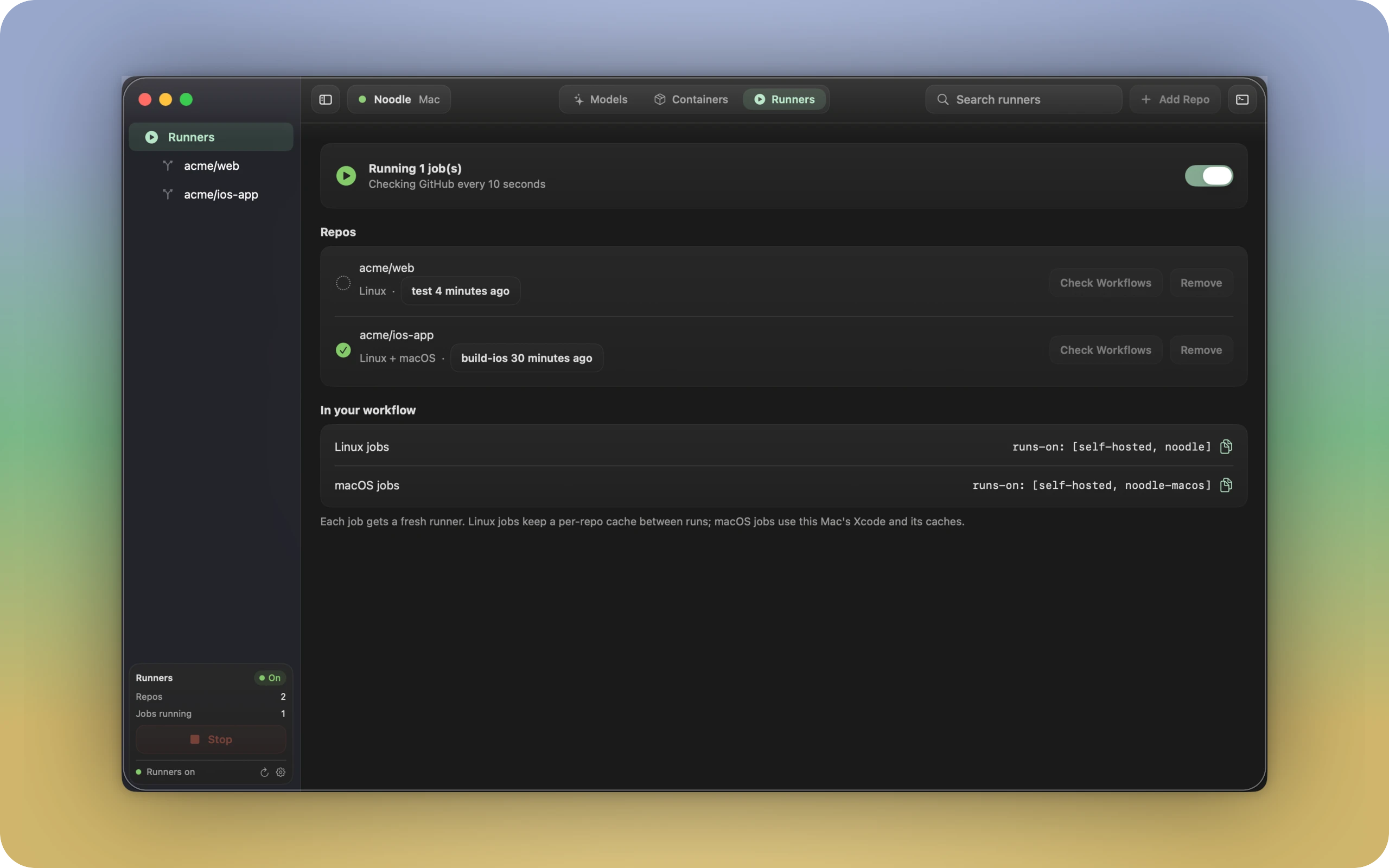
Change one line in a workflow and its jobs run on your Mac. Each job gets a fresh runner that is gone when it ends.
- 1 line
- to move a job to your Mac
- runs-on: [self-hosted, noodle]
- 3 s
- from push to a running job
- Warm runner, measured on this Mac
Best for
iOS and macOS builds on the Mac you already own.
macOS minutes are the expensive part of hosted CI. Your Mac has the Xcode you use every day.
Linux tests on arm64
Each job gets a fresh container. Toolchains and caches stay per repo, so setup-bun took 0 s on the second run instead of 7 to 18 s.
$ runs-on: [self-hosted, noodle]Pin an Xcode version
The macOS runner carries an xcode label from the Xcode on this Mac.
$ runs-on: [self-hosted, noodle-macos, xcode-26]Side projects without CI bills
Private repos run here. Nothing runs while you have no jobs.
Jobs that need Apple silicon
macOS jobs run natively, so Metal and on-device model tests work as they do on your Mac.
How it works
Three steps.
- 1
Sign in to GitHub
In Settings. Noodle reads the token through git and never writes it to a file.
- 2
Add a repo
Pick it in the app, or run noodle runners add inside the repo.
- 3
Change one line and push
The first job starts within about 10 seconds. Pushes right after it start in about 3.
- git push
- GitHub queues the job
- A fresh runner starts
- The job runs on your Mac
- The runner is removed
Questions
Can I use it on a public repo?
Not by default. A pull request from a fork could run code on your Mac, so Noodle refuses public repos unless you pass --allow-public.
Is a macOS job sandboxed?
No. It runs as you, in a fresh folder that is deleted afterwards. Turn macOS jobs on only for repos you trust.
What if my Mac goes to sleep?
Noodle keeps it awake while a job runs. A laptop with the lid closed still sleeps unless it is on power with an external display.
Is it faster than GitHub’s own runner?
On our test repo, yes: about 26 s of job steps against 76 s on GitHub’s hosted runner. Your repo will differ.
Which runner does it use?
GitHub’s official runner, one fresh runner per job, pinned by version and checksum. After a job, one runner per repo waits for 5 minutes so the next push starts in about 3 s.
Try Runners on your Mac.
Free, open source, no account. Apple silicon, macOS 26 or later.