 Noodle
 Containers
Your docker commands, on a lighter engine.
docker, Compose, Buildx and Kubernetes work as they do today. One small Linux VM runs everything, and it sleeps when nothing is running.
- 22×
- faster container start than OrbStack
- NoodleOrbStack
- Docker API p50
- 3.4×
- less CPU than OrbStack
- NoodleOrbStack
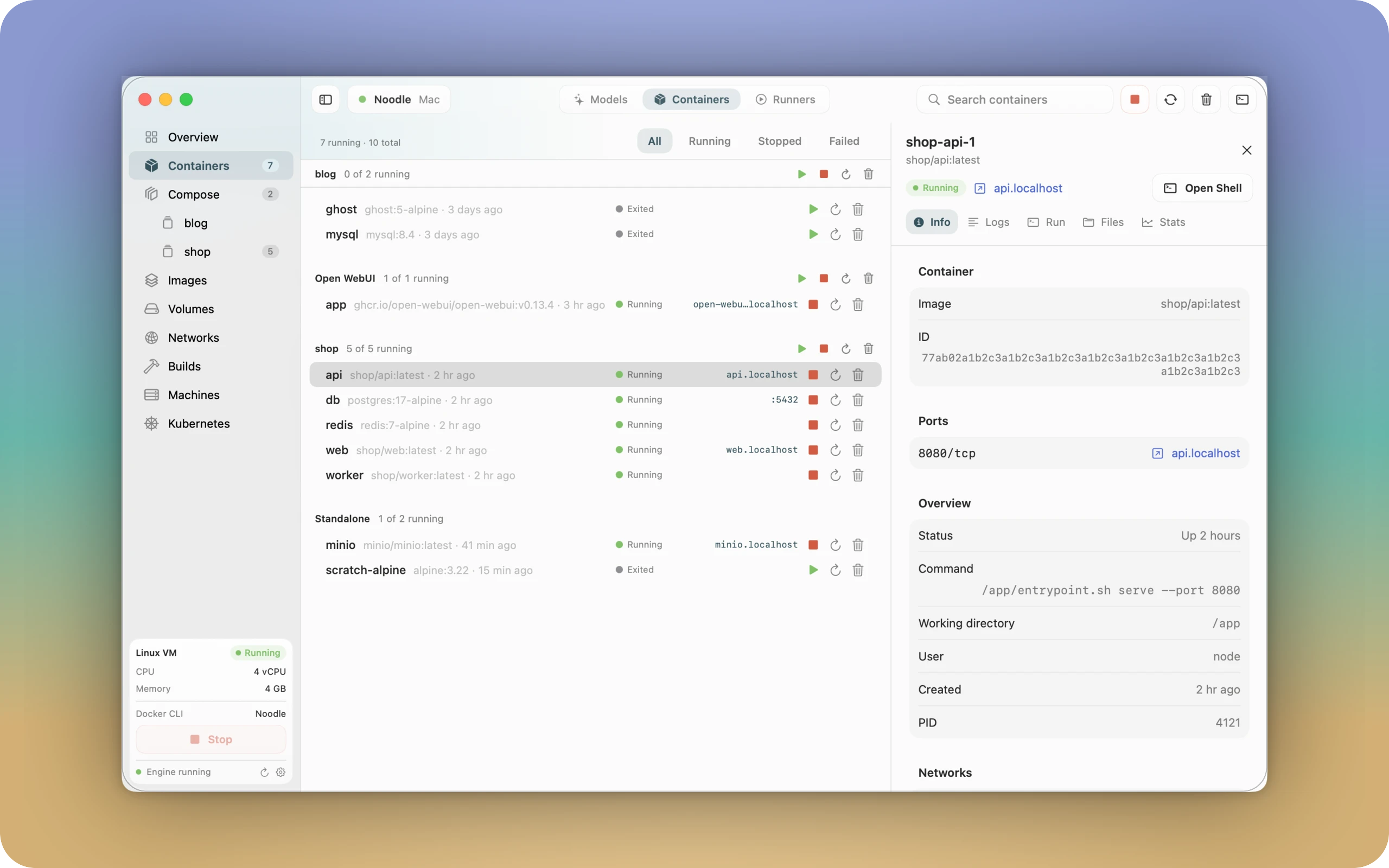
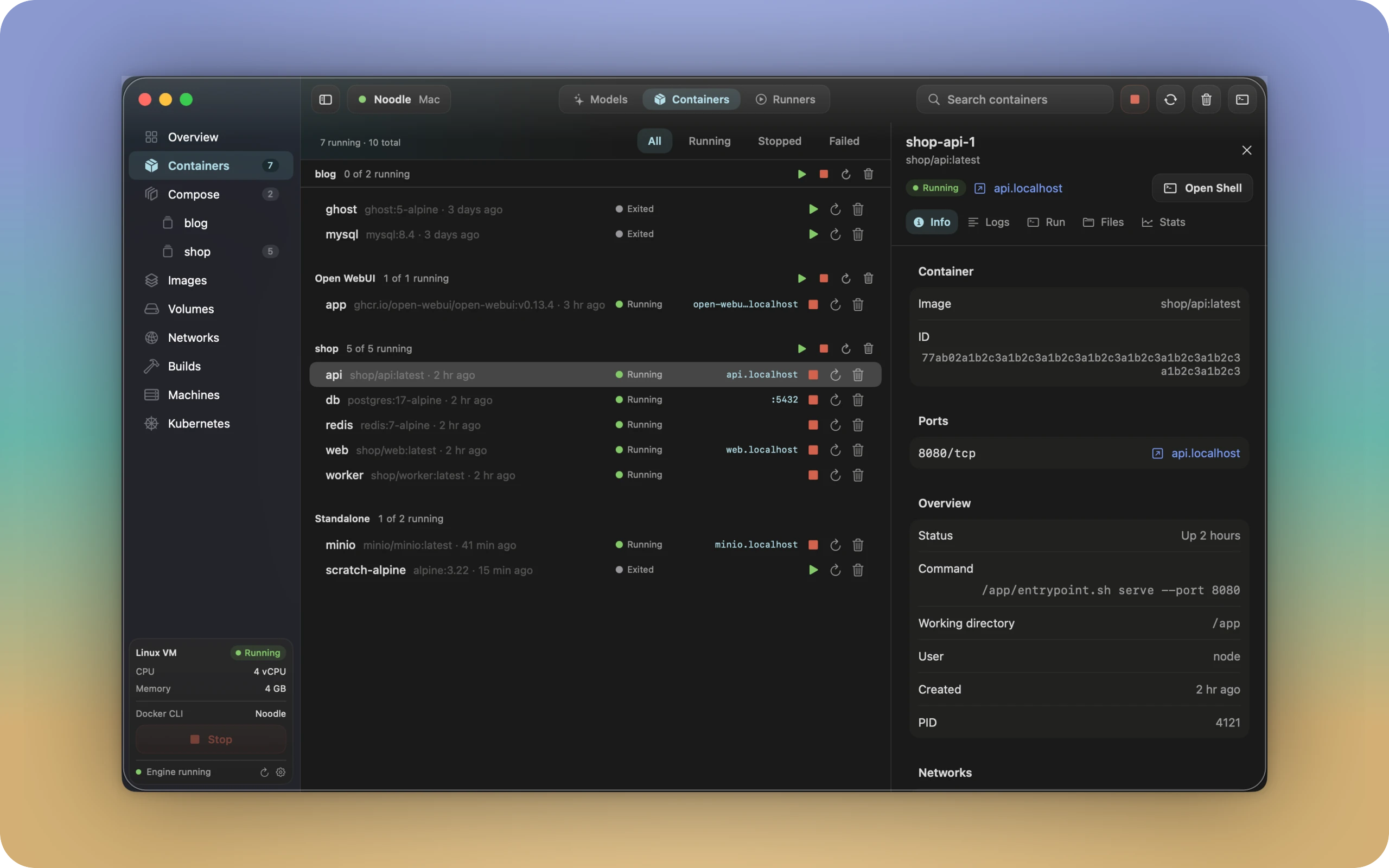
- Ten containers running
Best for
Your team’s Compose stack on your Mac, unchanged.
Web, API, Postgres and Redis with the same docker compose up you already use, and a name like api.localhost for each service.
Switch from Docker Desktop or OrbStack
Add Noodle as a Docker context next to your current engine, try it, and import images and volumes when you are ready.
$ docker context use noodleBuilds and multi-arch images
docker build and Buildx work. amd64 images run through Rosetta.
$ docker buildx build --platform linux/amd64 .Kubernetes and Linux machines
A local k3s cluster and full Linux machines on the same engine, for the work containers do not fit.
$ noodle kubernetes startNames, not ports
Every container with a web page answers at name.localhost on port 80, with no port to publish. A dev server already running on your Mac can have a name too. WebSockets and hot reload work.
$ noodle names add api.myapp 3000See inside every container
Logs, live stats, files and a terminal per container, plus image scans and an SBOM.
How it works
Three steps.
- 1
Install Noodle
It adds a noodle Docker context. Your current engine can stay.
- 2
docker compose up
The same command, the same compose.yaml. Nothing to rewrite.
- 3
Open your app
Each service with a web page gets a name like web.localhost.
Questions
Do my docker commands change?
No. Noodle adds a Docker context called noodle and speaks the Docker Engine API, so the docker CLI, Compose and Buildx work as they are.
Can I keep Docker Desktop or OrbStack?
Yes. Switch per command with --context, or copy images and volumes over when you are ready.
Do I need sudo for .localhost names?
No. Noodle listens on ports 80 and 443 without root, and edits no hosts file, resolver file or firewall. It accepts connections only from this Mac. If another app holds 80 or 443, it uses 10080 and 10443 and tells you.
Do amd64 images work?
Yes, through Rosetta.
How fast is it, really?
The benchmarks page has every number on one Mac, including the rows where other engines win.
Try Containers on your Mac.
Free, open source, no account. Apple silicon, macOS 26 or later.