 Noodle
 Models
AI that runs on your Mac.
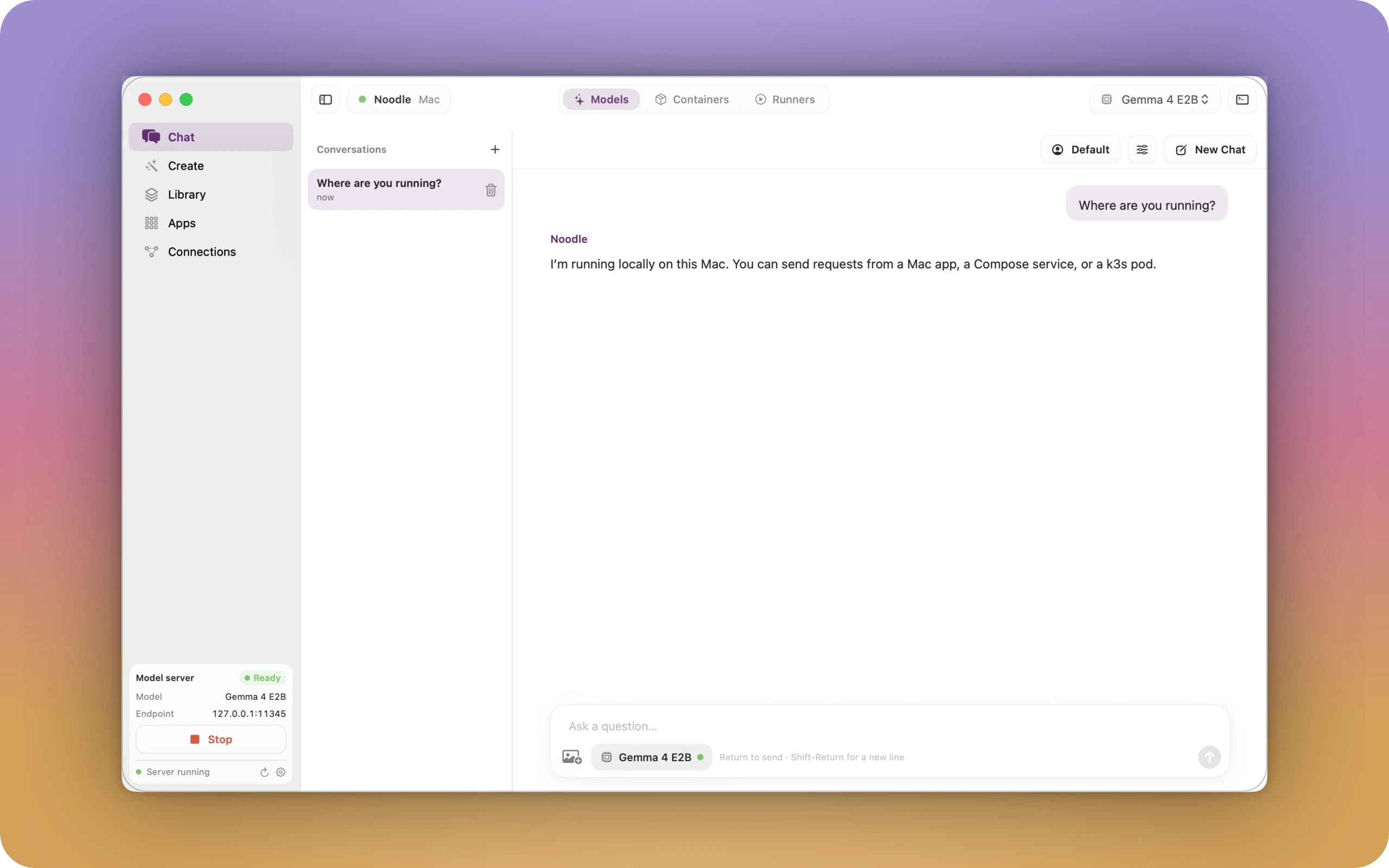
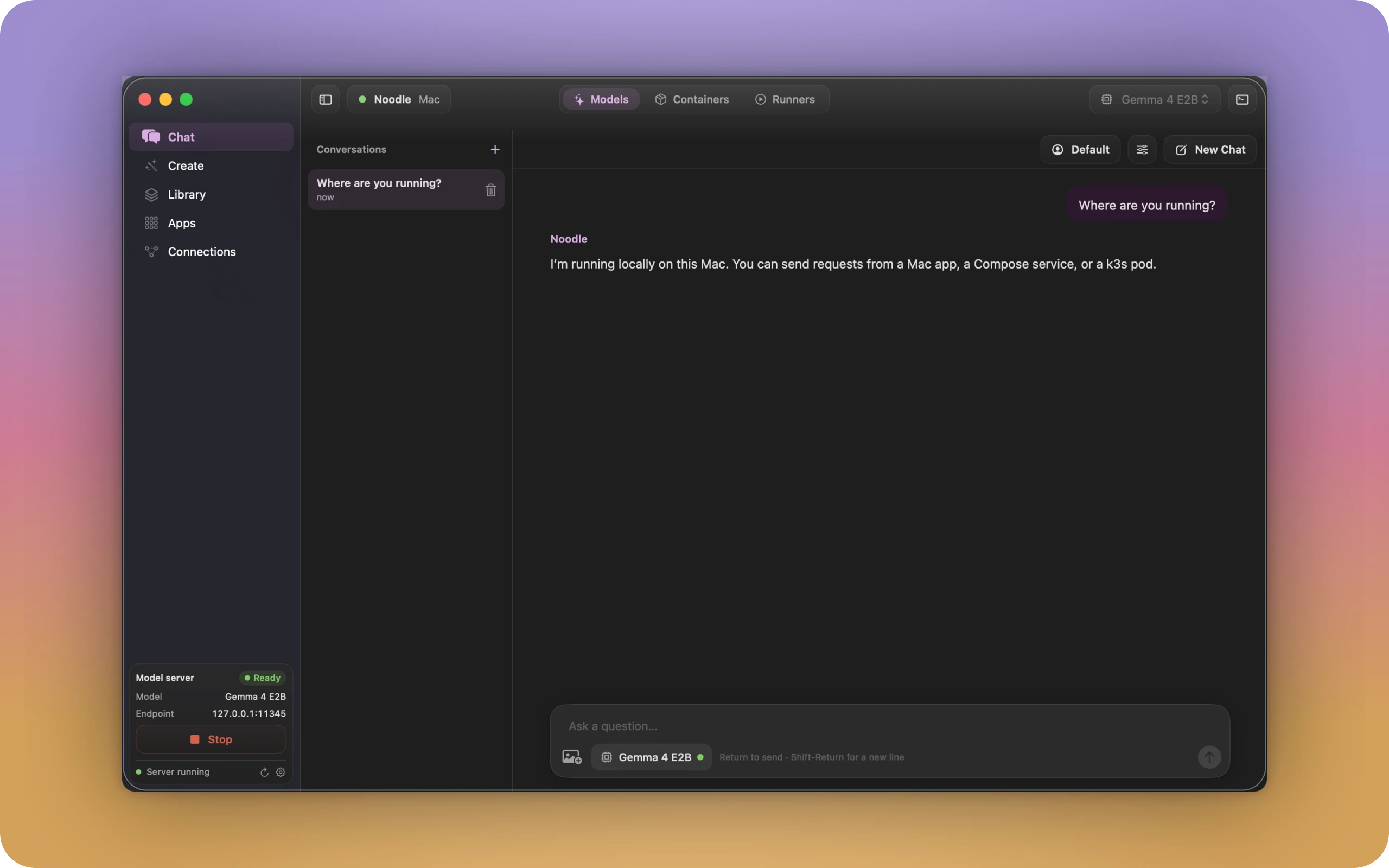
Pick a model, press Run, start talking. It uses your Mac’s own chip, works offline once downloaded, and goes to sleep when you stop.
- 312 ms
- to the first words of a reply
- Long prompt, Qwen3 0.6B, M4 Mac mini
- 0 bytes
- of your chats sent anywhere
- Models run on this Mac
Best for
Private AI chat for work you cannot paste into a cloud tool.
Contracts, customer data, unreleased code. The model runs on your Mac’s chip and nothing is sent anywhere.
Your own OpenAI-style endpoint
Point scripts, editors and agents at a local URL with a key. Same request shape as the OpenAI API.
$ noodle model serve qwen3.5-4bBring any model
Pick from the catalog, or pull a GGUF from Hugging Face. GGUF and MLX weights both run.
$ noodle model pull hf.co/<org>/<repo>Chat with pictures, video and audio
Attach, paste or drag an image, a video or an audio clip into the message box. Each shows up when the model can take it.
Ask from anywhere
Press Control-Option-Space in any app to open chat. Shortcuts and Spotlight get Ask Noodle and Open Noodle Chat.
Make pictures, voices and clips
The Create tab turns a prompt into an image, spoken audio or a short video, all on this Mac.
Embeddings and speech through the API
Text embeddings, speech to text and text to speech sit behind the same local URL and key.
$ noodle model pull kokoro-82mUse it from your phone
Off until you turn it on. Other devices on your network then chat with your models, with a key on every request.
$ noodle model network onYou pick how long it stays loaded
30 seconds, 5 minutes, 1 hour or always. Unload Now gives the memory back at once.
Keep models on an external drive
Choose any folder for downloads in Settings, or run noodle model location.
$ noodle model location /Volumes/Fast/modelsOpen WebUI in one click
Install a chat site from Apps. It runs in its own container and talks to your local models.
Works offline, sleeps when idle
Chat on a plane. When you stop, the model sleeps and gives its memory back.
How it works
Three steps.
- 1
Download Noodle
Open the app. It sets itself up, with no account and no terminal.
- 2
Pick a model
Choose from a short list, or bring a model file you already have.
- 3
Chat or connect
Type a question, or copy the endpoint into your own app.
Summarise this clause in plain words.
Questions
Does it need the internet?
Only to download a model the first time. After that, chats run with Wi-Fi off.
Which models can I run?
The catalog has small models that fit most Macs, such as Qwen 3.5 4B, Qwen 3.5 2B, Gemma 4 E2B and Qwen3 0.6B, plus models for embeddings, speech, images and video. You can also pull GGUF files from Hugging Face.
How do my own apps use it?
noodle model endpoint prints a local URL, a model ID and a key. Any OpenAI client works with them.
Can other devices use my models?
Only if you turn it on in Settings. Every request needs your key, and the connection is plain HTTP, so use it on a network you trust.
Will it slow my Mac down?
A model uses memory while it runs. When you stop chatting it goes to sleep and the memory goes back to your Mac.
Try Models on your Mac.
Free, open source, no account. Apple silicon, macOS 26 or later.